◉
Browser-Local Inference
BiRefNet Lite runs through ONNX Runtime Web in the browser rather than using a remote background-removal API for the AI step.
Remove the background from an image and create a clean transparent cutout with PixelErase AI. The BiRefNet Lite ONNX model runs in your browser so image inference can stay on your device.
Supports JPG, PNG & WebP up to 100MB
A focused background remover for people who want a simple workflow without sending an image to a remote image-processing API.
PixelErase AI is built around a browser-local image background remover powered by BiRefNet Lite and ONNX Runtime Web. After you choose an image, the browser prepares the pixels, runs the segmentation model on the available execution backend, and builds a transparent result for download.
This makes the tool useful for product photos, profile pictures, social media graphics, marketplace images, presentations, thumbnails, and design projects where a clean subject cutout is needed. Supported input formats include JPG, PNG, and WebP.
Read the background remover guide, removing a background from PNG images and removing a background from JPG photos
The page still needs a server to deliver the application and model files, but the image inference is performed in the browser.
BiRefNet Lite runs through ONNX Runtime Web in the browser rather than using a remote background-removal API for the AI step.
Review the cutout against a checkerboard transparency preview, then download the processed image in a supported format.
Upload, remove the background, review the result, and download without managing an API key for the browser-local workflow.
Background removal is useful anywhere you need the main subject separated from a busy, plain, or distracting background.
Create clean subject cutouts for product listings, catalogs, store graphics, and promotional layouts.
Separate a person or object from the original scene for profile graphics, social posts, thumbnails, and banners.
Bring a transparent subject into presentations, flyers, website designs, and other creative layouts.
The browser-local workflow stays simple from upload to download.
Select a JPG, PNG, or WebP image, drag it into the uploader, or paste an image from your clipboard.
The browser prepares a 512×512 input and runs the lightweight BiRefNet Lite ONNX model on the available browser execution backend.
Check the transparent preview, choose a download format, and save the processed image to your device.
For more detailed guidance, visit the complete background removal guide.
The example below shows how a subject can be separated from its original scene and prepared as a transparent cutout.
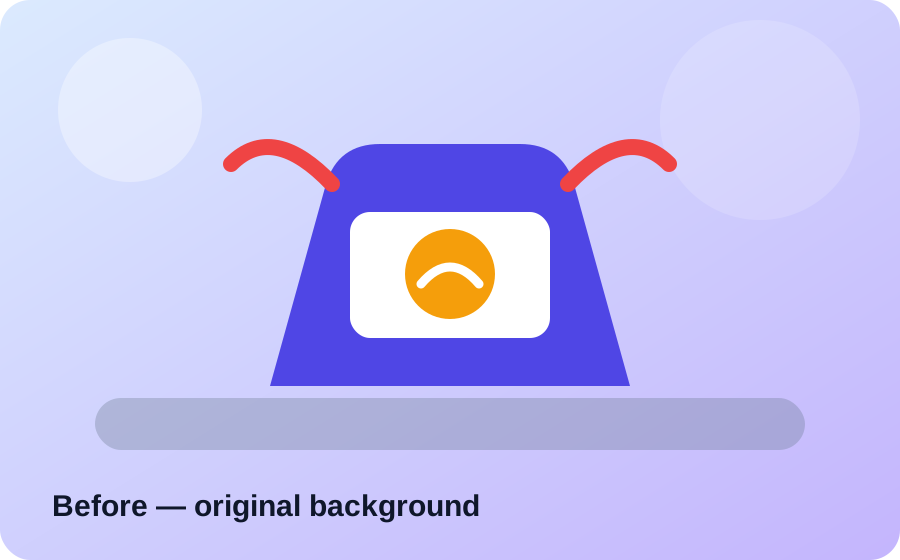
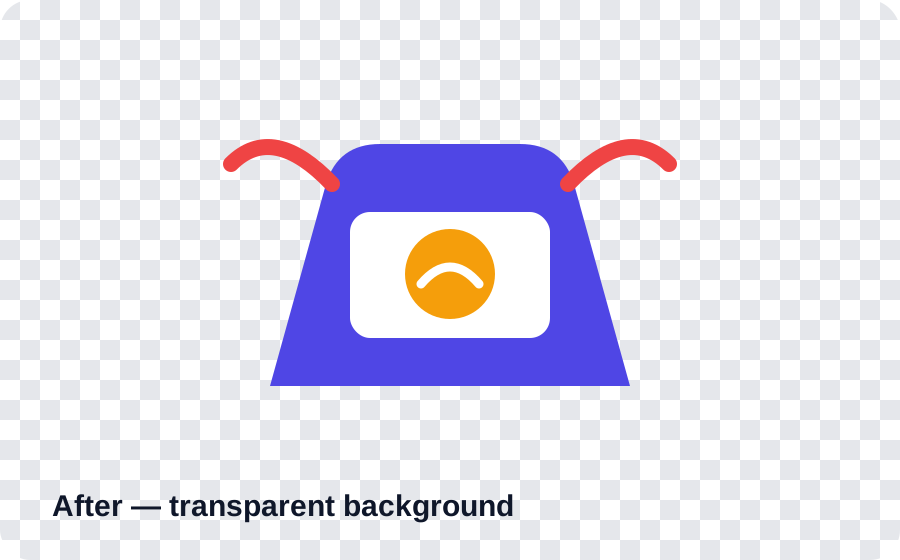
The checkerboard pattern represents transparent pixels. Always review fine edges such as hair, thin objects, and similar-colored boundaries before using an output in important work.
Common questions about browser-local background removal with PixelErase AI.
For the browser-local BiRefNet Lite remover, image inference runs in your browser. The image is not sent to a remote background-removal API for processing.
The tool accepts JPG, PNG, and WebP images. You can choose a supported download format after processing.
Yes. The BiRefNet Lite ONNX model is loaded by the browser and inference is performed locally using the browser execution backend selected by ONNX Runtime Web.
No API key is required for the browser-local background-removal workflow.
Processing speed depends on your browser, CPU, available browser GPU support, image dimensions, model loading time, and the execution backend used by ONNX Runtime Web.
No. The server still delivers the webpage, JavaScript, and ONNX model file. The image inference itself is performed in the browser, which is designed to reduce server-side image-processing load.
Read the background remover guide, removing a background from PNG images and removing a background from JPG photos
Upload a JPG, PNG, or WebP image and create a clean transparent result with PixelErase AI.